-Transparent.png?width=150&height=113&name=Airswift-Primary-Logo-(WhiteText)-Transparent.png)
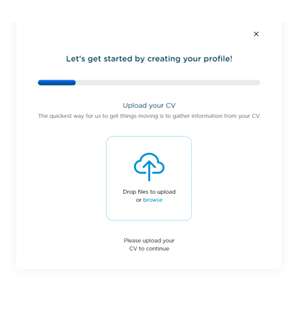
1. Upload your CV
Get started by selecting the cloud icon and choosing a file to upload. After uploading your CV select 'Next'.
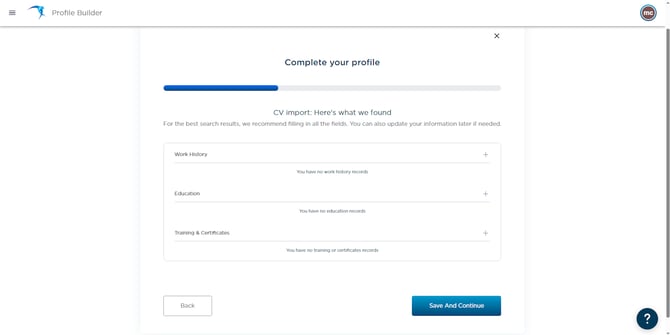
2. Review your CV
Review the information uploaded from your CV then click 'Save And Continue.'
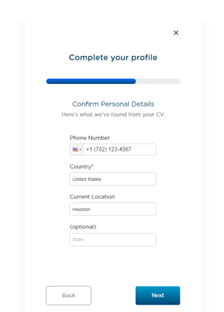
3. Confirm personal details
Input your current phone number and location.
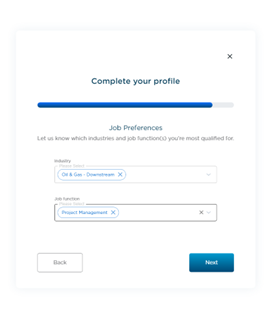
4. Add your job preferences
Input your job industry and function by selecting the dropdown fields.
Select the type of work you're interested in and input your desired pay. If you are open to relocation or remote work, select the icons.
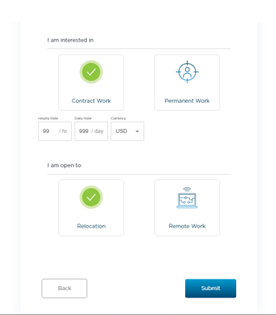
The last step is to select 'Submit' and your profile will be completed.